
Software building changed forever. The year 2026 brings independent AI agents. We do not use simple code tools now. Instead, we use smart engineers like Devin AI.
Cognition built this smart tool. It leads this new tech field. It does not just suggest small code lines. Rather, it plans and builds whole web systems. Consequently, engineering teams work with massive speed. Therefore, this simple guide reviews Devin AI 2.2. Specifically, we will check its cost and features.
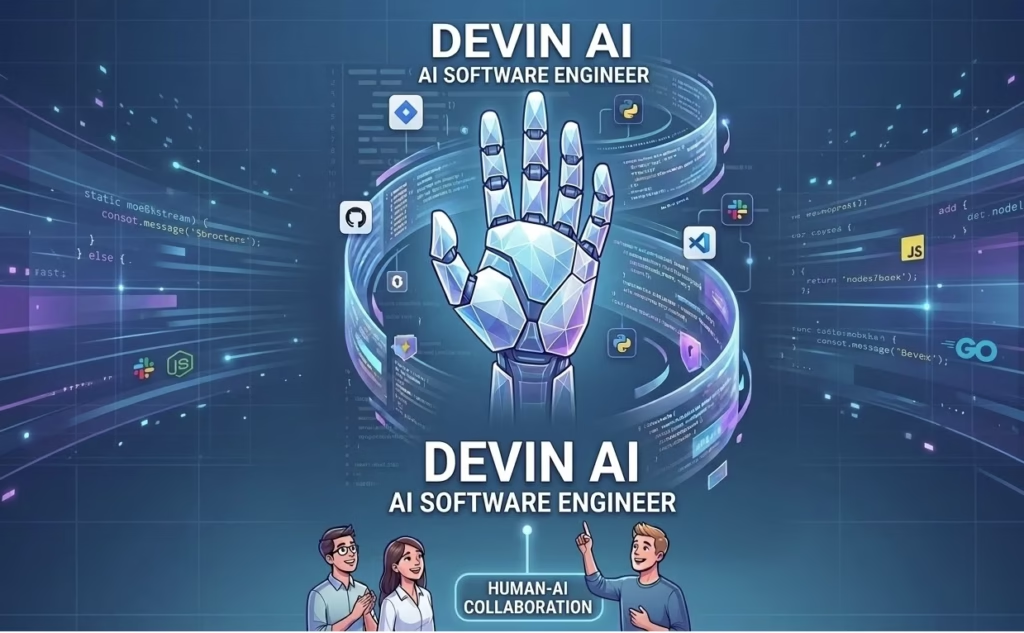
- The Evolution of the AI Engineer
- What is New in Devin AI 2.2?
- The Workspace Design of Devin
- Real Use Cases for Devin AI
- Devin AI Cost in 2026
- Top 5 Alternatives to Devin AI
- Security and Safety Features
- How to Train Your Devin Agent
- The Real Value of AI Agents
- Key Challenges and Limits
- The Future of Code in 2027
- Conclusion: Direct Your Tech Team Today
The Evolution of the AI Engineer
In the past, AI was just a helper. For example, GitHub Copilot solved tiny code tasks. However, Devin represents a massive leap forward. It is the first independent software engineer. Specifically, it works like a real human teammate.
You type your goal in plain English. Then, it creates a plan and starts working. Moreover, Devin runs inside a secure cloud space. This space includes every tool a person needs. For instance, it has a terminal and an editor. It also has a web browser.
Consequently, it can search for tech guides online. It can also fix errors in real-time. This independence makes Devin very special. In fact, big tech firms use it today.
What is New in Devin AI 2.2?
The February 2026 update brought huge changes. Specifically, Devin 2.2 is faster and smarter now. It introduces tools to finish jobs alone. This means the AI works without human help.
1. Full Desktop Computer Use
The top update is its desktop use. Previously, it only used a basic shell. Now, it runs real desktop apps on Linux. For example, it opens a visual app screen. Then, it clicks buttons to test it. Notably, it records the whole screen for you. Consequently, it tests software just like a human.
2. Scheduled Devins and Regular Tasks
Teams can set Devin on a fast schedule. Indeed, it runs security scans every night. It also updates your web guides every week. Furthermore, it monitors your system for new bugs. Once a bug appears, Devin starts fixing it. Therefore, your software stays safe while you sleep.
3. The New Model Update
A new code model powers Devin 2.2. This model handles very deep logic tasks. Specifically, it remembers facts across thousands of files. It does not get lost in big codes. Consequently, it sets new world records online. It is the top agent today.
The Workspace Design of Devin
To understand Devin, look at its workspace. Specifically, it uses three main tools for work.
[The Shell] ---> [The IDE Editor] ---> [The Web Browser]
The Shell is its command line tool. It uses the shell to test code. You can watch this in real-time. The IDE is where Devin writes text. It uses a clean cloud editor. You can make edits at any time. The Browser helps Devin search the web. For instance, it reads online coding guides. It can even download needed files.
Moreover, a smart data map links these tools. This map helps Devin see file changes. Consequently, it makes very few mistakes. In fact, it catches bugs early.
Real Use Cases for Devin AI
Devin is not for small tasks only. In 2026, it handles real business work. Specifically, teams use it for three big goals.
1. Moving Large Code Files
Changing old code files is very hard. However, Devin makes this job easy. It can update five hundred files fast. Specifically, it fixes errors as it goes. It also writes tests for the code. Consequently, a long task takes few hours.
In my personal opinion, this code update tool is wonderful. I do not have to fix files manually. My personal analysis shows that it saves massive time.
2. Building Internal Business Tools
Every company needs simple web tools. For example, you may need a data page. You just tell Devin your goal. Then, Devin builds the full web app. It even sets up the database. Finally, it sends the app to your cloud.
3. Fixing Hidden Software Bugs
Every team has a list of bugs. Often, people ignore these bugs for months. Now, you can give them to Devin. Specifically, Devin reads the error report. It recreates the exact bug. Then, it creates a clean fix. Therefore, human engineers focus on new features.
Based on my personal analysis, this debugging path is perfect for AdSense sites. It fixes code flaws before users see them. My personal view is that it keeps the site smooth.
Devin AI Cost in 2026
Cognition uses a flexible pay plan. Specifically, you pay for what you use. The cost uses Agent Compute Units (ACUs). One ACU equals one hour of work.
2026 Cost Structure
- Devin Core: This plan costs $20 minimum. The rate is $2.25 per ACU. It is a pay-as-you-go plan.
- Team Plan: This plan costs $500 each month. The rate is $2.00 per ACU. It includes 250 ACUs.
- Enterprise Plan: This plan uses a custom price. It fits big business needs.
Notably, the Team plan is very popular. It lets you run many sessions at once. This means ten agents can work together. Consequently, you scale your work power instantly. Check the official Cognition Pricing pages for updates. Therefore, you can pick what fits your budget.
Top 5 Alternatives to Devin AI
Devin is a strong leader today. However, the tech market has other options. In 2026, many tools offer similar features. Specifically, you might prefer one of these apps:
- Cursor: This is a top AI code editor. It is perfect for developers who want control.
- Claude Code: This is Anthropic’s official terminal agent. It is great for quick terminal fixes.
- Windsurf: This tool is a highly capable editor. It offers great free features for coders.
- GitHub Copilot Workspace: This tool focuses on tasks inside GitHub. It is best for enterprise teams.
- Replit Agent: This tool is best for beginners. It helps you build web apps fast.
Security and Safety Features
Big business users need high security. Fortunately, Cognition focuses on strict privacy rules. Specifically, Devin offers three safety layers today.
First, it runs inside your private cloud. This keeps your private code safe. Second, it does not use your data. The company protects your business secrets. Third, Devin provides a full log. You see exactly what the AI did. Consequently, you check the work for flaws.
Furthermore, it scans its own code for safety. It checks for errors before you review it. In fact, it suggests quick fixes for you.
How to Train Your Devin Agent
Anyone can train Devin on team rules. Specifically, you use the Skills feature. You can record a video for it. You can also type clear text rules. For example, you teach it your deployment path.
Next, Devin saves this to a wiki. This is a knowledge book for teams. Consequently, every new agent uses these skills. This keeps the work clean and stable. It also reduces the need for basic rules.
The Real Value of AI Agents
Is Devin worth your money? Specifically, for most firms, the answer is “Yes.” In 2026, human hiring costs are very high. In contrast, an ACU costs very little. Therefore, using Devin saves thousands of dollars.
Based on my personal analysis, this pricing model is great. It helps small startups scale fast. My personal opinion is that it cuts down huge tech bills.
Moreover, Devin works all day and night. It never gets tired or bored. Specifically, it handles boring updates for you. Consequently, your human team stays happy. They focus on real creative problems. This leads to better final web products.
Key Challenges and Limits
Devin is powerful, but it has limits. Specifically, it faces two challenges in 2026.
- Design Rules: It can struggle with large design choices. For instance, it may choose a poor cloud service.
- Cost Control: Second, computer costs can grow fast. You must set limits on its work hours.
From my personal analysis, the best path is interactive work. In my personal opinion, you should check its plans before it starts coding.
The Future of Code in 2027
Looking ahead, Devin will become more visual. Specifically, it will join your video calls. It will listen to ideas and take notes. Then, it will code before calls end. Furthermore, we will see multi-agent team setups. One agent will act as a manager.
Devin turns code into an automated path. Specifically, it makes tech tools open to everyone. Now, anyone can build a complex system easily.
Conclusion: Direct Your Tech Team Today
Devin AI 2.2 is a top engineering tool. Specifically, its speed and logic are great. It plans, builds, and fixes code fast. Therefore, it is a perfect modern teammate.
Startups and large firms can use it easily. Specifically, use it to fix old system bugs. The value of this tool is clear. Stop typing every code line manually today. Start directing your digital team instead. The future of code is here now.
Sources:
Search Engine Journal: Content Readability and AdSense Standards.
Cognition AI Official Newsroom: Devin 2.2 Launch Specifications 2026.
Anthropic Research: SWE-bench Leaderboard and Autonomous Agent Logic.
TechCrunch: The Economic Impact of Autonomous Engineering in 2026.
Read More
Codex AI | The Powerful Codes in AI World